

Downtown Wichita, Kansas, 2025
The 2nd annual Window Wonderland let people vote once a day from November 28 to January 1, by scanning a QR code at each business or on the contest website.
SourceHoliday window contest
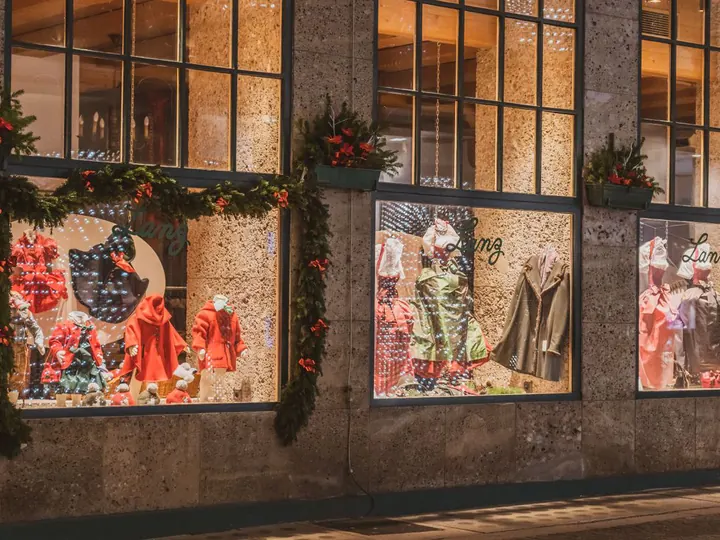
Photograph each decorated storefront, put the windows side by side on one page, and print one QR code for the window map and the shop doors. Shoppers compare every window before they vote, then pick one favorite.
Waiting for your pick


A rules template for a downtown window contest. Replace the parts in brackets.
[Organization] Holiday Window Decorating Contest

Who can enter: any [downtown] business or nonprofit with a street-facing window, one entry each. Free to enter.
Theme: [theme, or any holiday theme].
Register by: [November 20] at [email or form].
Windows done by: [November 27]. Every window is photographed that evening with the lights on.
Voting: anyone can vote at [link] or by scanning the QR code on the window map and the shop doors, from [November 28] to [December 20]. One vote per person.
Awards: People's Choice goes to the window with the most votes. [Judges' awards: Best Theme, Most Creative.]
Winners announced: [December 21] on [social media and the newsletter]. Prize: [plaque, newsletter feature].
Safety: keep doors, sidewalks and fire exits clear. No open flames.
Real window contests from last season, and how people voted in each.
The 2nd annual Window Wonderland let people vote once a day from November 28 to January 1, by scanning a QR code at each business or on the contest website.
SourceVisitors voted from December 3 to 16 by scanning the QR code posted in each decorated window.
SourceShoppers picked up a window map and scanned a QR code on each window to vote for the Best Holiday Decor award.
Source22 businesses and nonprofits decorated storefronts, and the public voted once a day through a Google Form from November 24 to December 22.
SourceFive window categories, each decided by community votes in an online survey.
SourceWith a public vote, people weigh all of this at once. If you also have judges, give each criterion 1 to 5 points and announce People's Choice as a separate award.
The window feels like the season at a glance.
An idea people stop for, not just garland and lights.
It reads from across the sidewalk and from a passing car.
It uses the shop's own products or story.
Lighting that works in the evening, when most people walk by.
Early November
Invite businesses and share the rules and the decorating deadline.
Before Small Business Saturday, November 28
Windows done and photographed. Open the vote the day the window walk starts.
All of December
Put the same link and QR code in every newsletter and social post.
A few days before Christmas
Close the vote, announce the winner and hand out the award or window plaque.
Good for
How it works
Straight on, lights on, from across the sidewalk. Six windows fit one vote; with more, let judges pick 6 finalists or run one vote per block.
On the window map, the shop doors and your social posts. Every code opens the same page with all the windows.
Voting runs 24 hours, 3 days, 7 days or with no end date, and you can close it yourself when you are ready to announce.
Your author page shows the count live. Close the vote and share the winner image with the shops and the local paper.
More than 6 windows, one vote a day, totals hidden until you announce the winner, or your logo and a sponsor's on the poster? See the contest pack
Want us to set up the page and the QR poster for you? Write to us
Questions
Judges pick 6 finalists for the People's Choice vote, or you run one vote per block and a final with the winners. The contest pack takes up to 30 windows on one page.
No. One code opens a page with all the windows, so people compare before they vote. Print it on the map and put the same code on every door.
One vote per browser and network, and votes that arrive seconds apart from one link are flagged for you to review. You decide which to remove. It does not check identity, so for a big prize add judges too.
In the contest pack, yes: one vote per person per day. The free vote allows one vote per person for the whole contest.
By default they see the standings only after voting, so an early leader does not pull votes. In the contest pack, totals stay hidden until you announce the winner.
On your author page open “More options”, then “QR code”: “Print a notice” gives a page with the photos and a code to scan, “Show on a screen” puts the code on a TV or projector.